Cost Benefits of Steel Agricultural Buildings for SA Farmers
March 4, 2026Why is my business not showing on Google Maps?
August 12, 2026How to rank higher on Google Maps (South Africa)
A practical guide for local businesses
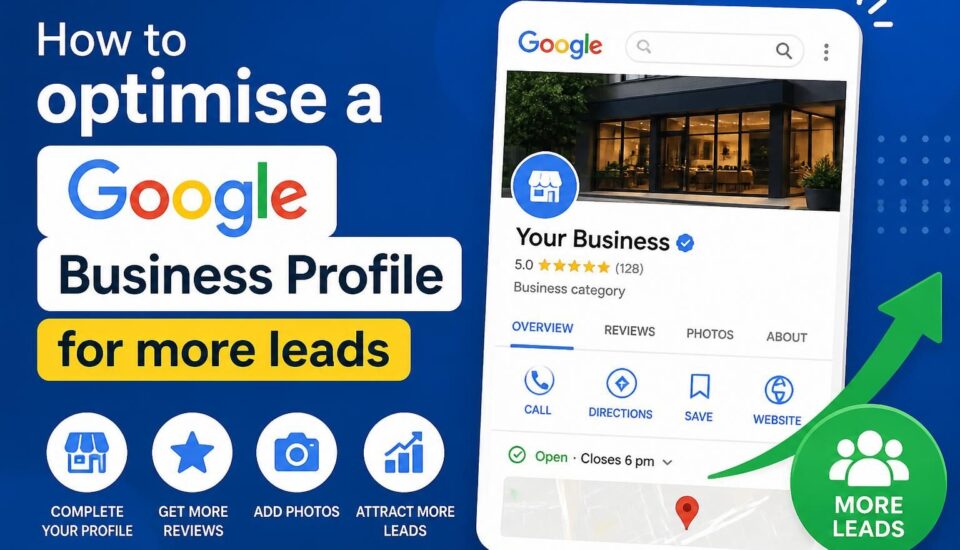
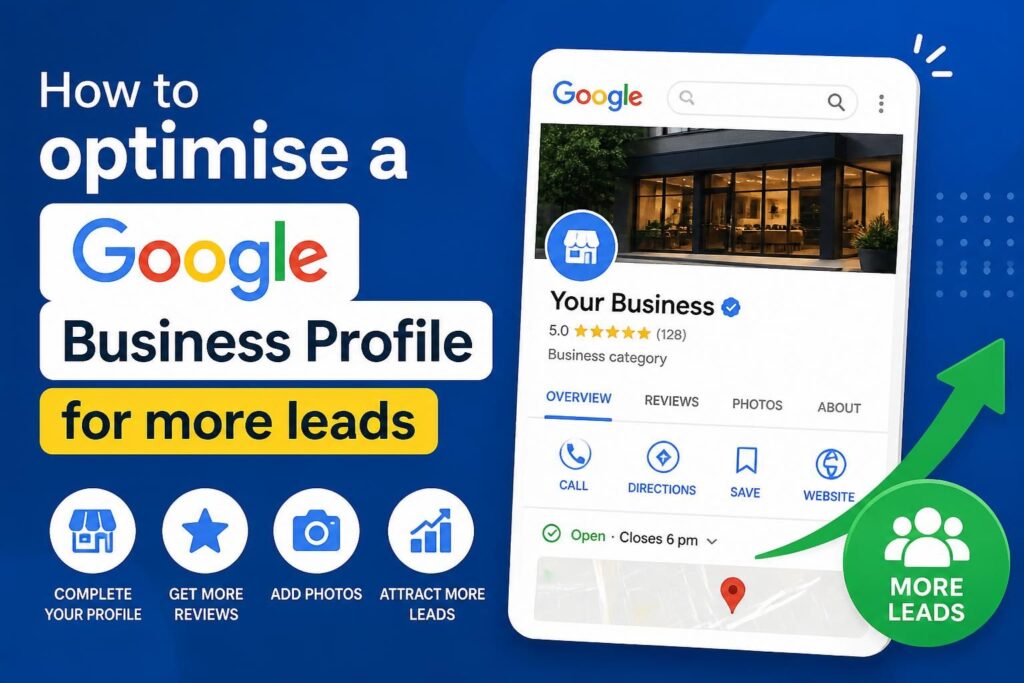
If your business relies on local customers, then to rank higher on Google Maps is non-negotiable. In South Africa, where competition varies by city and industry, a well-optimised Google Business Profile (GBP) can be the difference between being found by a local customer or being overlooked. This guide walks you through practical steps to improve your Maps ranking, with SA-specific considerations and a clear path to results. If you’d like personalised help, Siteweb offers Google Business Profile optimisation tailored to South African markets.
Siteweb Online Marketing can help your business to rank higher on Google Maps. Contact us.
Understanding how Google Maps ranks local businesses
Google Maps uses a blend of signals to determine which businesses appear in the local 3-pack (the map results) and in the local finder. The three core factors are proximity, relevance, and prominence:
– Proximity: how close your business is to the searcher or to the area being targeted.
– Relevance: how well your GBP matches the search query (keywords in your business description, categories, services).
– Prominence: how well-known and trusted your business is, influenced by reviews, links, citations, photos, and engagement signals.
In practice, ranking higher on Google Maps means aligning your GBP with the needs of your local audience while strengthening signals Google uses to evaluate your business.
A practical framework to improve your Maps ranking
1. Claim, verify, and secure your GBP
- Claim all relevant locations if you operate more than one place. Verify ownership to unlock all edit capabilities.
- Use a consistent business name, address, and phone number (NAP) across all listings and citations.
2. Complete and optimise your GBP profile
- Name, address, phone: Ensure every field is complete and accurate.
- Primary category: Choose the most accurate primary category; you can add secondary categories that reflect your services.
- Business description: Write a clear, customer-focused description that explains what you do and who you serve. Include natural references to your main services and areas in South Africa without keyword stuffing.
- Hours and holiday hours: Keep hours current, especially during public holidays or special local events.
- Attributes: Add relevant attributes (wheelchair access, delivery, free Wi‑Fi, etc.) where appropriate.
- Services and products: List key offerings with plain-language descriptions.
- Photos and videos: Upload high-quality photos of your storefront, interior, products, team, and services. Add videos if possible. Regularly refresh visuals.
- Posts: Publish timely posts to announce promotions, events, or updates. Use a clear call to action.
3. Optimize for local relevance without over-optimising
- Use natural language that reflects how your clients describe their needs in SA. Mention areas you serve (cities, suburbs) as appropriate in your description and posts.
- Choose primary and secondary categories that truly reflect your core business and offerings.
4. Manage reviews and reputation
- Ask satisfied customers to leave reviews. Make it easy by sharing a direct link to your GBP review form.
- Respond professionally to all reviews, including negative ones. Show that you value feedback and are active in solving issues.
- Address patterns in reviews (e.g., times of service, delivery times) so you can improve your customer experience.
5. Images, videos, and user engagement
- Regularly upload fresh photos ( storefront, staff, projects, events) and add descriptive, natural captions.
- Use Q&A to preempt common questions (hours, service areas, pricing). Answer questions promptly.
6. Local signals and citations
- Ensure NAP consistency across key local directories popular in South Africa (and in SA regions where you operate).
- Build quality local citations by listing your business on relevant industry directories and local business directories with the correct NAP.
- Acquire reputable local backlinks when relevant (sponsors, partnerships, local press).
7. Service areas and location strategy
- If you serve a broad area, define service areas rather than listing every single street address. This can help appear in more local searches without misrepresenting your physical location.
- f you have multiple locations, each GBP should reflect its own accurate details and service areas.
8. Mobile experience and maps interactions
- Most local searches happen on mobile. Ensure your website is mobile-friendly, loads quickly, and aligns with the user’s intent after they click through from Maps.
- Monitor analytics to see which searches bring users to your GBP, then adjust descriptions and posts to reflect those intents.
9. Avoid common GBP pitfalls
- Do not list an inaccurate address or a virtual office as a physical location.
- Do not create multiple GBP listings for the same business location.
- Do not exaggerate services or misrepresent capabilities in your GBP description or posts.
- Do not neglect reviews and Q&A; active management signals value to Google and customers.
A practical 60-day Google Business Profile action plan
GBP Optimisation: Weeks 1–2
– Claim and verify all locations; standardise NAP across the board.
– Complete every GBP field for each location: category, description, hours, services, attributes, photos.
– Upload 10–15 high-quality photos per location.
GBP Optimisation: Weeks 3-4
– Add service-area definitions or location-specific service details.
– Publish 2–3 GBP posts highlighting offerings, promotions, or events.
– Start asking satisfied customers for reviews; provide a direct review link.
GBP Optimisation: Weeks 5–8
– Build local citations in SA directories; ensure NAP consistency.
– Respond to every new review within 24–48 hours; address issues professionally.
– Review Q&A and add common questions with clear answers.
GBP Optimisation: Weeks 9–12
– Review performance using GBP Insights and Maps data; adjust keywords in descriptions and posts as needed.
– Consider targeted posts around local events, seasons, or promotions.
– Evaluate additional optimization: refine categories, expand photos, and strengthen local links.
Measuring success
– Improved position in Maps for core search terms and target locations.
– Increased profile views, direction requests, calls, and website visits from Maps.
– More positive reviews and faster response times.
– Better consistency of NAP across local listings.
South Africa specific considerations
– Local directories and partners popular in South Africa can influence local visibility; ensure listings in SA-focused directories are accurate.
– If your business serves multiple South African cities, tailor GBP content to reflect regional service relevance without fragmenting your brand identity.
A natural Google Business Profile collaboration path
If you’d like a professional, hands-on approach to GBP optimization tailored to your South African market, Siteweb offers Google Business Profile Optimisation designed for local businesses. Our approach aligns with SA search behavior, ensures accurate local signals, and focuses on practical results. Learn more about our GBP optimisation service and arrange a personalised consult.
Siteweb Online Marketing can help you rank higher
Ready to improve your Google Maps visibility and attract more local customers? Talk to Siteweb about Google Business Profile Optimisation for South Africa. Contact us to schedule a free consultation or visit our GBP optimisation service page for details.
Google Business Profile FAQ
FAQ 1: Does optimizing Google Business Profile guarantee higher rankings on Google Maps?
GBP optimization improves the signals Google uses to rank in Maps and increases visibility, but rankings also depend on local demand, competition, and ongoing engagement such as reviews and accurate information. Ongoing optimization yields the best results.
FAQ 2: How long does GBP optimization take to impact Maps rankings?
Results vary by market and competition. Some changes can be visible within a few weeks; for more competitive locations, 1–3 months is common as signals accumulate.
FAQ 3: Should I respond to every review?
Yes. Responding to reviews builds trust, shows engagement, and can influence future customer decisions. Keep responses professional and helpful, whether the review is positive or negative.
FAQ 4: Is GBP free to use?
Yes. Claiming and managing Google Business Profile is free. Investments in photos, posts, and reviews are free signals you can actively manage.